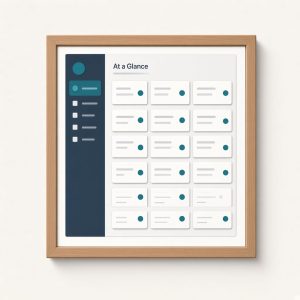

Post Type Information puts your custom content where site owners already look every day: the Dashboard At a Glance box. Instead of hunting through menus to see how many recipes, events, or portfolio items you have, you get published counts for the post types and taxonomies you choose—right beside Posts and Pages.
Why Post Type Information belongs on the Dashboard
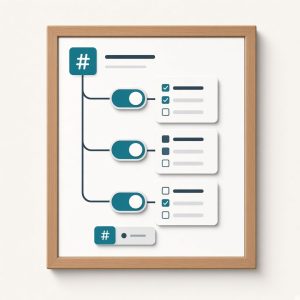
Open Settings → Post Type Information and pick which non-built-in types and taxonomies to surface. Each count links to the matching edit screen, so the Dashboard becomes a short path into real editorial work. Capability checks keep the list honest: users only see items they can manage, which matters on multi-author and client sites where not everyone should see every CPT.
The plugin stays small on purpose. There is no new dashboard widget theme, no competing analytics panel, and no lock-in to a page builder. It extends WordPress core UI with clear counts and links, then gets out of the way. That makes it a natural companion to content stacks like ContentFrame, recipe plugins, membership libraries, or any site that relies on custom post types for day-to-day publishing.
Agencies and freelancers can leave Post Type Information enabled on client sites so owners see inventory at a glance without a custom dashboard plugin. Editors stop guessing whether a type has content; they click the count and start editing.
How Post Type Information stays useful
When a site has five or ten custom types, the default At a Glance box starts to feel incomplete. Post Type Information restores a practical overview without custom dashboard code, mu-plugins, or fragile theme snippets. Existing option keys are preserved across updates, so long-running installs keep their selections when you upgrade.
It is updated for modern WordPress, Plugin Check expectations, escaping standards, and current term-counting APIs. Install Post Type Information when custom post types are invisible on the Dashboard and you want a free, focused fix. Choose what to show, trust the capability checks, and let editors jump from counts to content in one click—every time they open wp-admin. Taxonomy counts work the same way, so popular categories and custom terms stay visible beside post types.