
MenuFrame helps restaurants, cafés, bakeries, food trucks, and hospitality brands publish menus that guests can scan on any device. Each item carries the details diners care about—name, description, price, dietary tags, spice level, categories, images, and notes—so your WordPress site stays as clear as the printed menu by the door.
Why MenuFrame fits hospitality sites
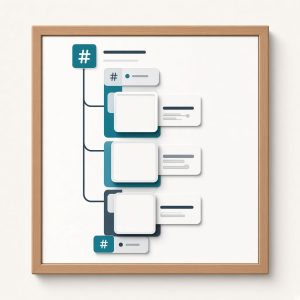
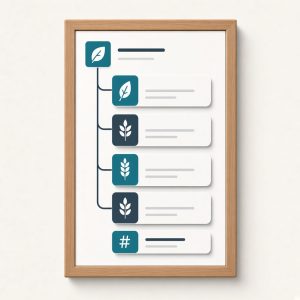
Group items into appetizers, entrées, desserts, drinks, or custom sections that match how your kitchen actually thinks. Featured blocks highlight chef specials or limited runs without rebuilding the whole page. When seasons change, update items and prices in WordPress and every layout that reads MenuFrame data stays current for staff and guests alike.
Dietary tags such as vegan, gluten-free, and dairy-free stay visible for quick scanning, which reduces back-and-forth for guests with restrictions and helps servers point people to the right items. Notes and variations can capture side choices or market-price language without cluttering the primary title.
MenuFrame keeps lunch, dinner, and bar lists as structured content instead of screenshots or PDFs that go stale. Guests on mobile get the same item details as desktop diners, and marketers can feature a special without rewriting the entire menu page every week.
How MenuFrame lays out your menu
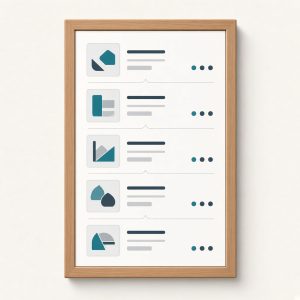
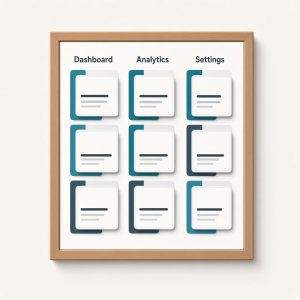
Elementor layouts cover grid, list, and card presentations so the menu can match your brand photography and typography. MenuFrame is built for hospitality sites that outgrew a static page of prices pasted into a builder. Keep the kitchen’s structure in a real content type, design the front with Elementor, and publish tasting menus, brunch boards, late-night lists, or catering add-ons from the same foundation.
If you run one location or a small group, MenuFrame gives you a practical menu system inside WordPress—structured items, readable sections, and layouts that look intentional on phones and desktops alike, ready for the next seasonal swap. Update once in admin, and every MenuFrame layout on the site reflects the change. MenuFrame supports spice levels and item images so guests can decide before they arrive, which is especially helpful for takeout and food-truck menus viewed on a phone. Guests see prices and dietary notes in one place before they book a table or place an order.